

A game view has a shape
A browser page can resize around a window, but a game's play area still needs a usable shape. Aspect ratio describes the relationship between its width and height. Changing that relationship can reveal more space, leave margins or crop part of a scene, depending on the implementation. A responsive page does not automatically mean every game inside it adapts in the same way.
When testing a new display, inspect the complete play area before starting. Look for cut-off buttons, unreadable labels and scenery that appears stretched. The best layout is not necessarily the one that fills every pixel. Clear boundaries and accessible controls matter more than removing a small band of unused space around the game.
Canvas size and page layout differ
A canvas can have its own drawing resolution as well as a displayed size on the page. Scaling the visible element can therefore behave differently from changing how the game renders internally. Players do not need to edit those values, but understanding the distinction helps explain why browser zoom is not a universal graphics-quality control.
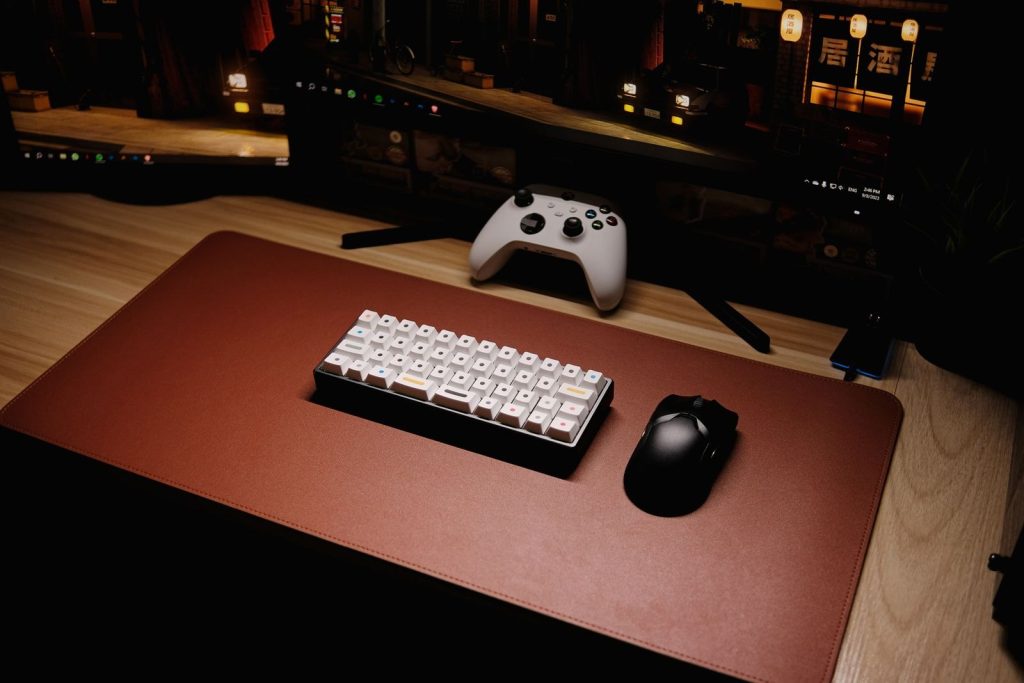
Use the settings provided by the title and browser. If text around the game becomes easier to read after zooming but the game itself is cropped, return to the previous setting and compare another supported view. Do not assume a layout failure means the device is too slow. Presentation and performance are different questions even when they appear during the same session.
Controls need space of their own
Touch buttons occupy part of the screen and can obscure information if they sit over important action. A design that works with a keyboard may need a different arrangement on a phone. Confirm that the game actually supports touch and look at where your fingers will rest before deciding that the display is large enough for comfortable play.
Rotating a device may improve the track view while changing the control positions. Test the orientation in a safe opening state, not during a difficult section. Check pause, mute and exit controls as well as movement. These small interface details determine whether the session remains manageable when you need to stop or adjust something quickly.
Input mapping must match the view
Pointer and touch positions have to correspond to the displayed game area. A well-supported game handles this relationship as its layout changes. If a button appears to respond somewhere other than where it is drawn, record the view and scaling settings rather than repeatedly tapping around the screen. That behaviour is useful evidence for the developer.
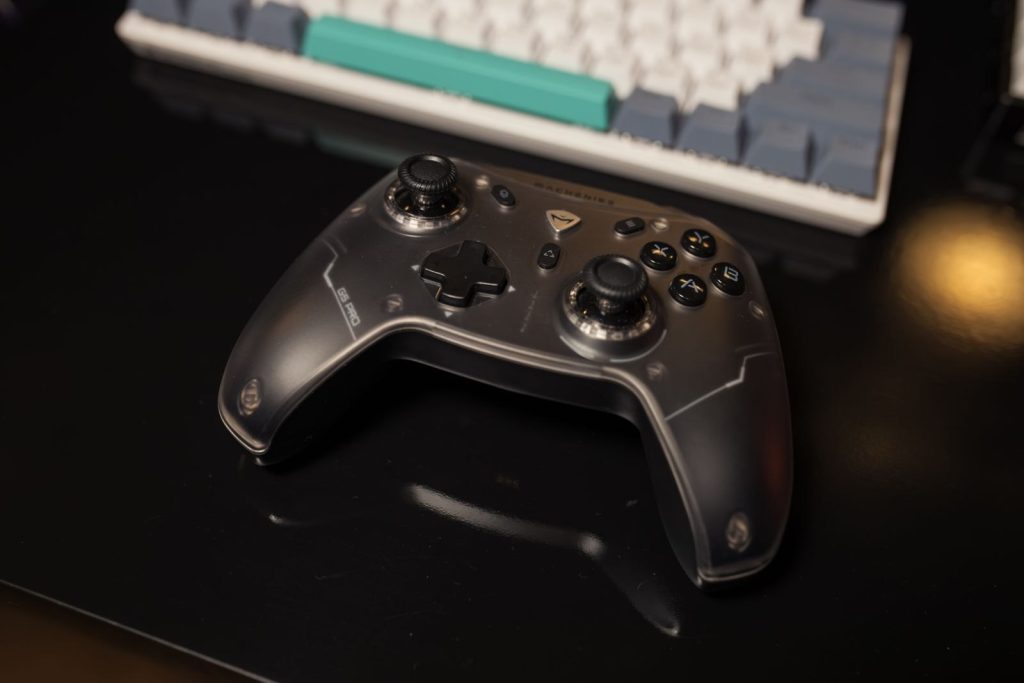
Keyboard focus can also change after a resize or full-screen transition. Confirm a simple input before assuming that a missed action belongs to the movement rules. A supported desktop game may still be easiest to play in its intended window shape. Compatibility means more than loading an image; the visible controls and the active input area must work together.
Choose support over a forced fit
Some browser games are designed primarily for a desktop view and keyboard. That is a limitation to recognise, not something a player must solve through repeated zooming. If the publisher recommends a particular orientation, minimum area or device type, use that guidance when choosing where to play. Another game may offer a more suitable mobile experience.
When reporting a layout issue, include the device, browser, orientation and zoom level, plus a screenshot if practical. Describe which control or scene edge is missing. A precise report helps distinguish an unsupported configuration from a genuine responsive-layout defect. For everyday play, settle on a clear, supported arrangement and keep it stable while learning the game's movement.
Further reading: MDN: implementing game control mechanisms · MDN: 3D games on the Web